
ArgoCD sync failed recovery playbook for production teams
When ArgoCD sync fails repeatedly, teams usually have both release-path drift and unclear ownership. This playbook restores sync safety without freezing delivery.
- Sync status flips between OutOfSync and Degraded with no stable baseline.
- Manual cluster hotfixes keep overriding Git-defined state.
- Helm/Kustomize render differences appear only in production apps.
- One service team can unblock sync while others remain stuck.
The first useful view is the sync failure loop, not the dashboard screenshot
ArgoCD recovery starts by showing where Git intent, rendered output, and cluster reality stopped lining up.
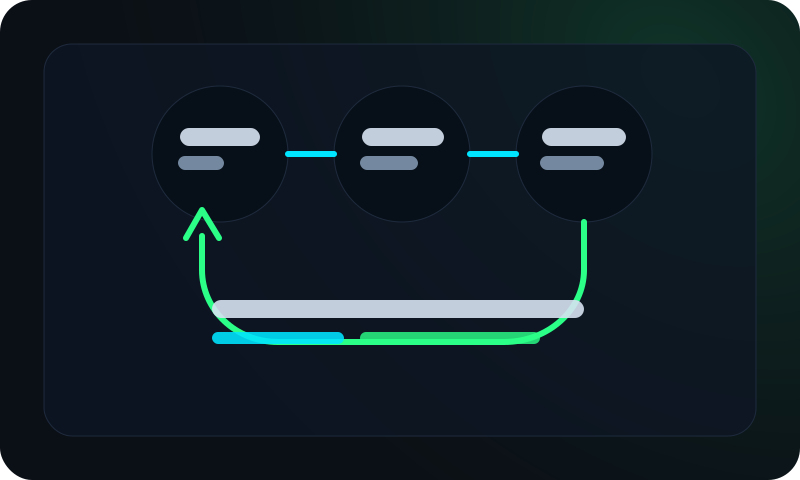
The retained view highlights whether the repeated sync failure is driven by manual patches, render mismatches, or broken promotion discipline across applications.
Most production sync incidents are not solved by clicking sync harder. The team needs deterministic reconciliation and a release path that stops reintroducing the same failure pattern on the next deploy.
Stabilize reconciliation first, then speed up release flow
ArgoCD issues are rarely just tooling bugs. In most SaaS environments, failed sync means Git is no longer the single source of truth and release controls are inconsistent across applications.
Recovery should prioritize deterministic reconciliation and bounded blast radius. If you optimize pipeline speed before sync trust is restored, failures repeat under higher pressure.
Five-step ArgoCD sync failed playbook
Run this flow on highest-impact applications first.
1. Freeze non-critical deploys
Pause low-priority rollouts to stop new drift from entering the cluster.
2. Snapshot app health state
Capture sync status, health checks, and last good revision before remediation.
3. Reconcile source-of-truth conflicts
Identify manual changes, patch drift, and environment-only overrides.
4. Normalize manifest rendering
Align values, generators, and plugin behavior between CI and ArgoCD.
5. Reintroduce staged promotion
Resume deploys with rollback gates and clear app owner accountability.
Triage checklist for on-call response
Signal                                 Immediate action
Repeated sync retries                   Pause auto-sync and inspect last successful revision
Health degraded after sync              Roll back app to last known healthy commit
Render mismatch (CI vs ArgoCD)          Compare rendered manifests and values sources
Manual hotfix detected                  Record diff and reconcile in Git before next sync
Why this helps on-call teams
- Treats sync failure as a reliability incident, not a UI annoyance.
- Forces the team to classify the failure pattern before making the next change.
- Reduces repeat loops by pushing manual fixes back into Git-defined control.
Why sync failures keep coming back
- Allowing cluster-side patches without mandatory Git reconciliation.
- Letting each app team define different sync/rollback criteria.
- Ignoring manifest render parity between local CI and ArgoCD runtime.
- Tracking deployment count, not sync recovery duration and re-failure rate.
Use these related pages to continue ArgoCD and release recovery
Build repeatable release behavior before scaling delivery speed.